
GPS & routes
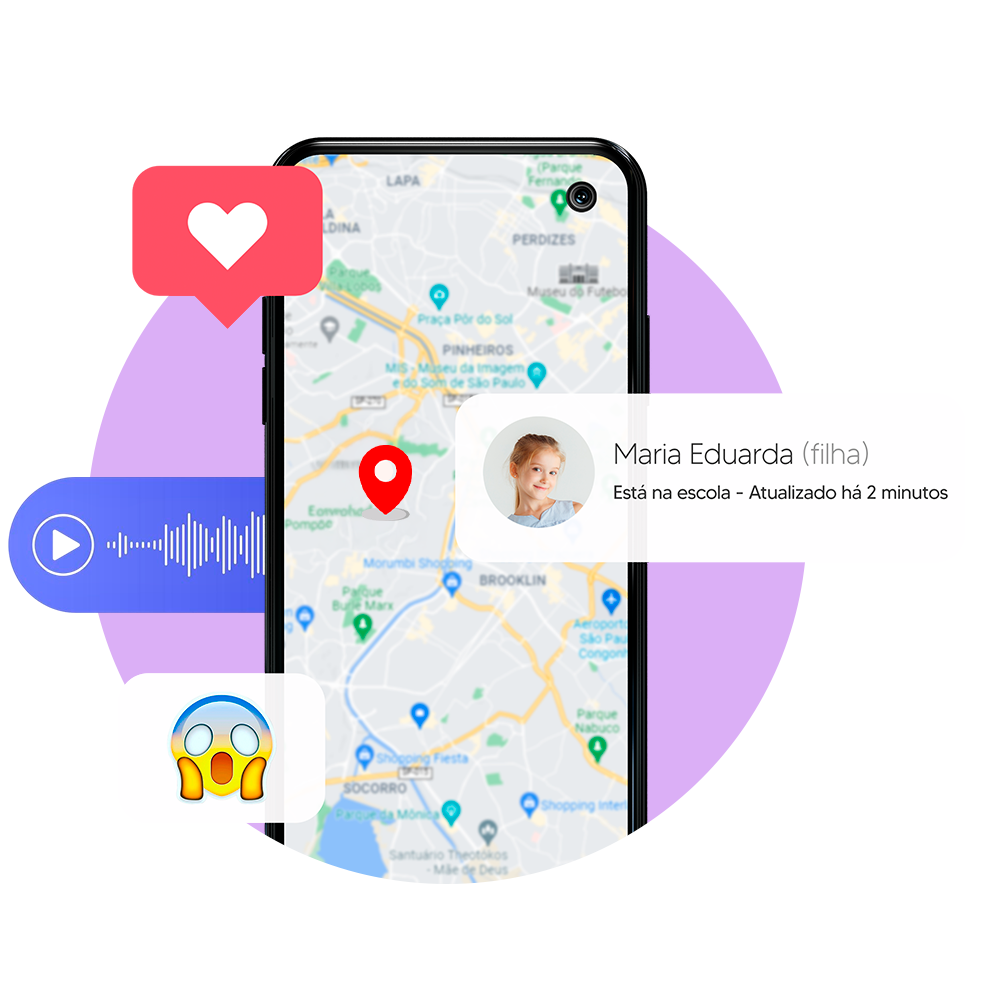
Position and history when hardware and product allow.
The app that lets you see what someone is doing on their phone and online. In real time, from your dashboard: simple and straightforward.
Compatible with Android
WT Software products cover GPS, messages, social apps, and more, per published compatibility.
Position and history when hardware and product allow.
Sent/received messages in compatible scenarios.
Visibility per OS/version support.
Where applicable to product and device.
When listed in compatibility.
Activity where technically available.
Where integration exists.
On platforms where lawful.
Visual evidence when supported.
Logs with timestamps when available.
Depends on product and local law.
Where license and device enable it.
Controlled sharing per settings.
Configurable keywords in dashboard.
When compatibility lists it.
Per app version and policy.
Supported inboxes per license.
History and visits when available.
Saved browser bookmarks.
Known networks exposed by device.
Events per product permissions.
Lists and related interactions.
Installed apps and general usage.
Where software allows policies.
Gallery/media per license.
Video files when applicable.
Enter/exit alerts for defined zones.
Messaging/assistant apps where supported.
01
Create your free account
02
Choose your plan
03
Start monitoring
Compatible with Android
Install in 5 minutes
Data refreshed every 5 minutes
Invisible on phone and computer
Bank-grade encryption for your data
24/7 support for families and businesses
Plans for family and employees
WT Software is highly rated by customers on official channels and reputable independent outlets.
4.8
Average rating based on thousands of verified customer reviews.
SATISFACTION AMONG RESPONDENTS TO OUR SURVEYS

Every family is different. Pick the right product and check compatibility before purchase.
The monitored phone must be Android
Monitor using any device
Access your private control panel in real time

WT software works on many Android phones and tablets, depending on the product and system version indicated in the documentation.
To be more sure, enter your device model below and search the help center.
If you still have questions
Using licensed programs to supervise devices you own or with consent. For example, guiding minors under your care.
Only lawfully: you normally need to own the device or have the person's consent. With wSpy or another WT product installed per the manual, compatible app messages may appear in the web dashboard, depending on plan and phone model.
After official purchase, authorized on-device setup, and product configuration, you open reports in the web dashboard from anywhere, without holding the phone each time. What you see depends on plan, connectivity, and compatibility.
After official purchase and authorized installation, reports appear in the web panel according to the product and plan.
Buy only through official WT Software channels, follow published docs, and install updates. Avoid cracked or unofficial copies.
No. Misuse may be a crime. Use only where law allows and with ownership or authorization.
Depends on the plan and product (wSpy, NetSpy, and others). The plans page lists how many devices each package covers.
Use the dashboard links in your purchase email and official instructions. Sign in to view location, messages, and other reports enabled on your plan.
Only on wtsoftware.com.br or links confirmed by official support. Keep your receipt and store emails.
It usually requires legal grounds, transparency with workers, and compliance with Brazilian data protection and employment law; specifics vary. Ask a lawyer when unsure.
Depends on product, OS version, and install method. Read the official wSpy or product manual.
Promotions and policies change over time. Check the official site or ask support what is available today.
Most Android flows include an installation step with access to the device; details are in each product manual.
Depends on network, battery, model, and plan. There is no single fixed interval for everyone; the panel reflects data as the device syncs.


